
Introduction
🌙 Luna UI
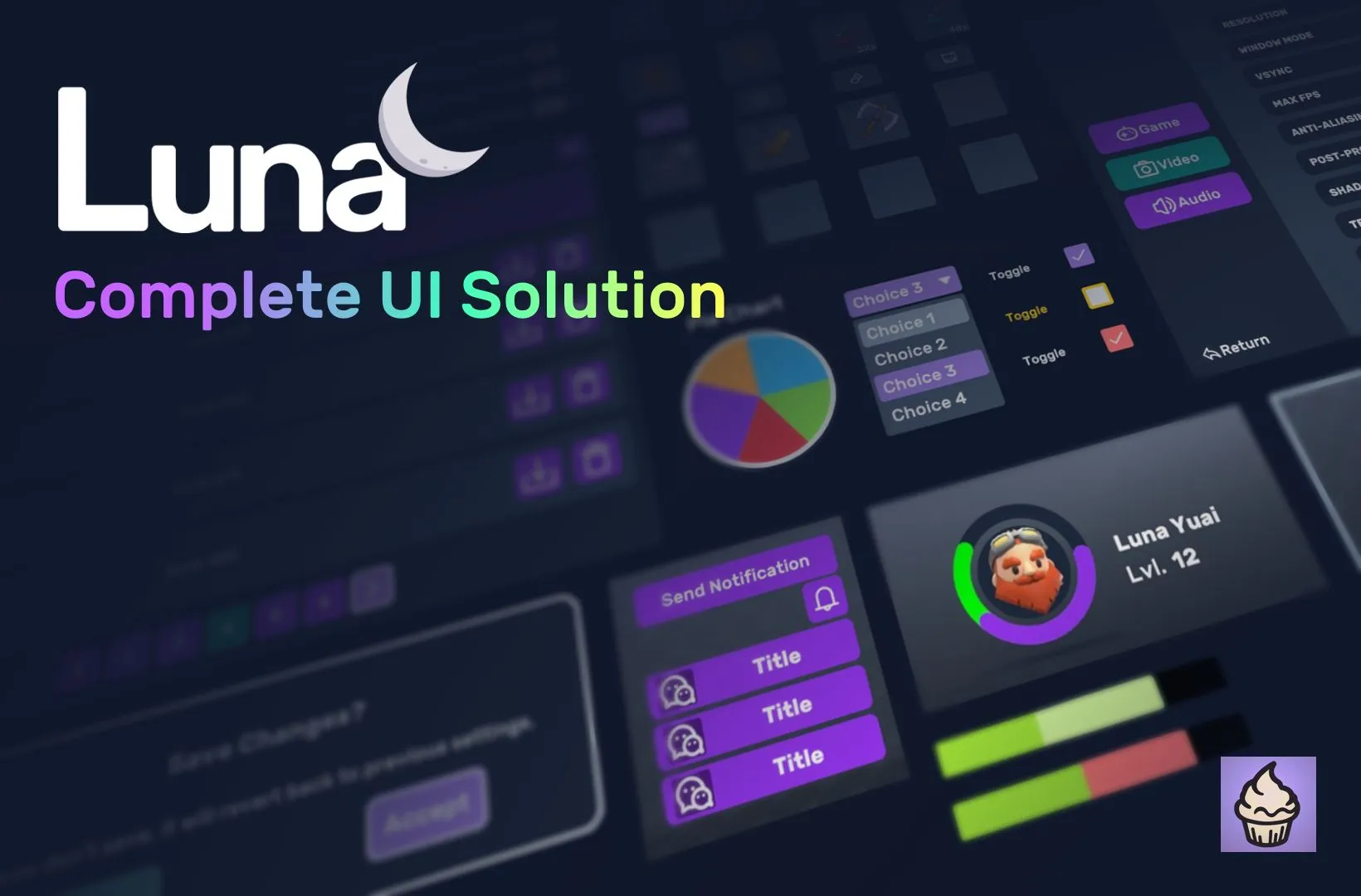
Shader UI effects, 53 transition presets, a full component + views library, graph-based navigation, live 3D inside menus, fly-to rewards, gamepad-ready focus navigation, responsive scaling for mobile & desktop — a complete UI Toolkit framework for Unity 6. Pure UI, no game-system coupling.
⚠️ Requires Unity 6000.5 or later.
(See the Asset Store listing for current pricing.)
Watch the trailer
Where to start
Three paths, pick one based on where you're coming from:
| If you're… | Start here |
|---|---|
| New to UI Toolkit entirely — never touched it, want orientation first | What is UI Toolkit? — two-minute mental-model intro |
| Familiar with uGUI, weighing whether to switch | Why UI Toolkit? — side-by-side comparison |
| Already know UI Toolkit, just want Luna running | Quick Start — 5 minutes to first Play; 10 with the anatomy tour |
After Quick Start: First View for writing your own, or jump straight to Components / Views to browse what ships.
Looking for something specific?
- Browse the sample scenes → Samples
- The full game scaffold (inventory, save/load, RPG stats, Ink dialogue) → GameFull sample
- Package map → Architecture
What makes Luna different
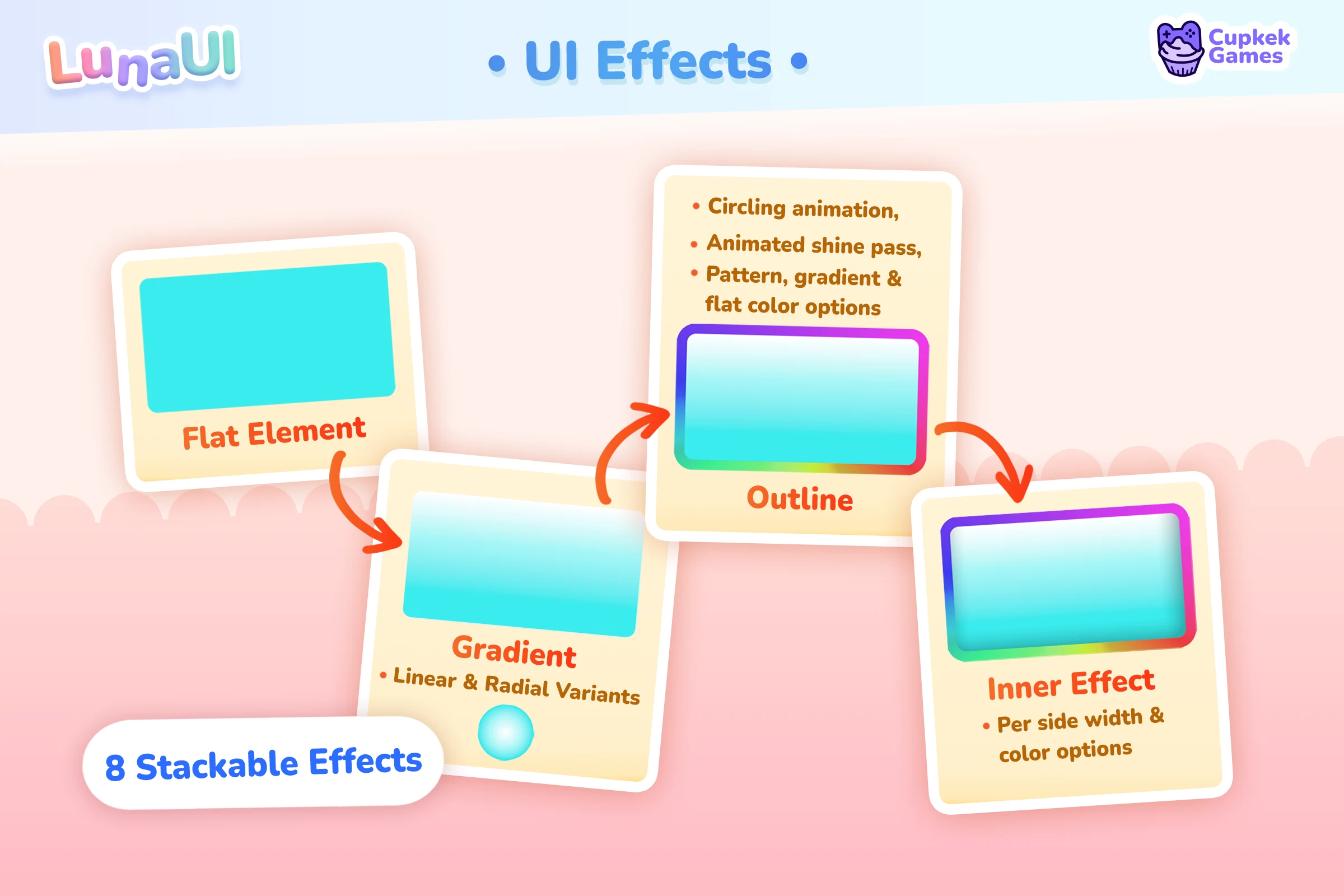
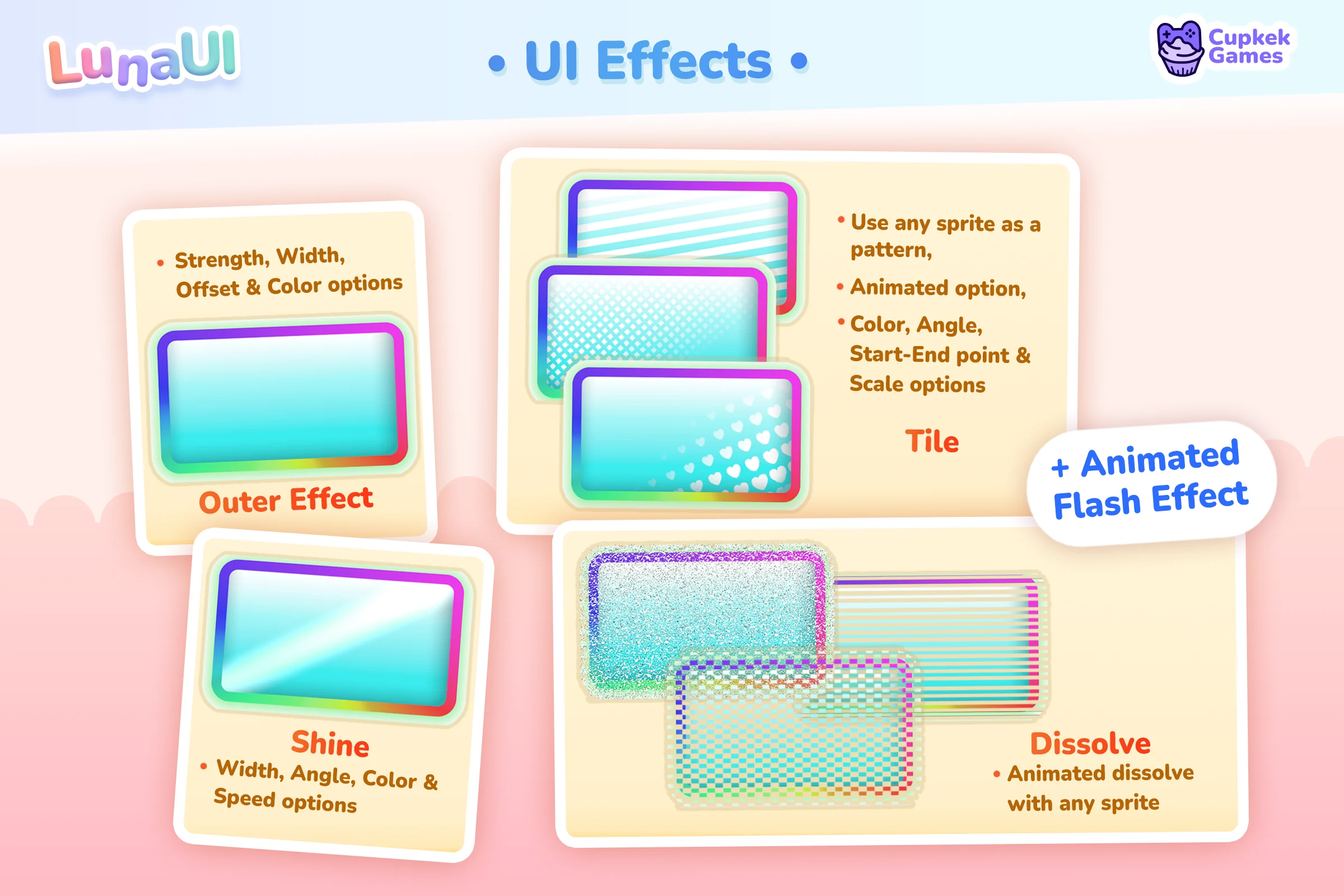
UI Effects — eight stackable shader effects — outer (shadow & glow), outline, inner overlay, gradient, shine, flash, tile, dissolve — drawn by one uber shader and authored from USS classes, with no source textures to slice.
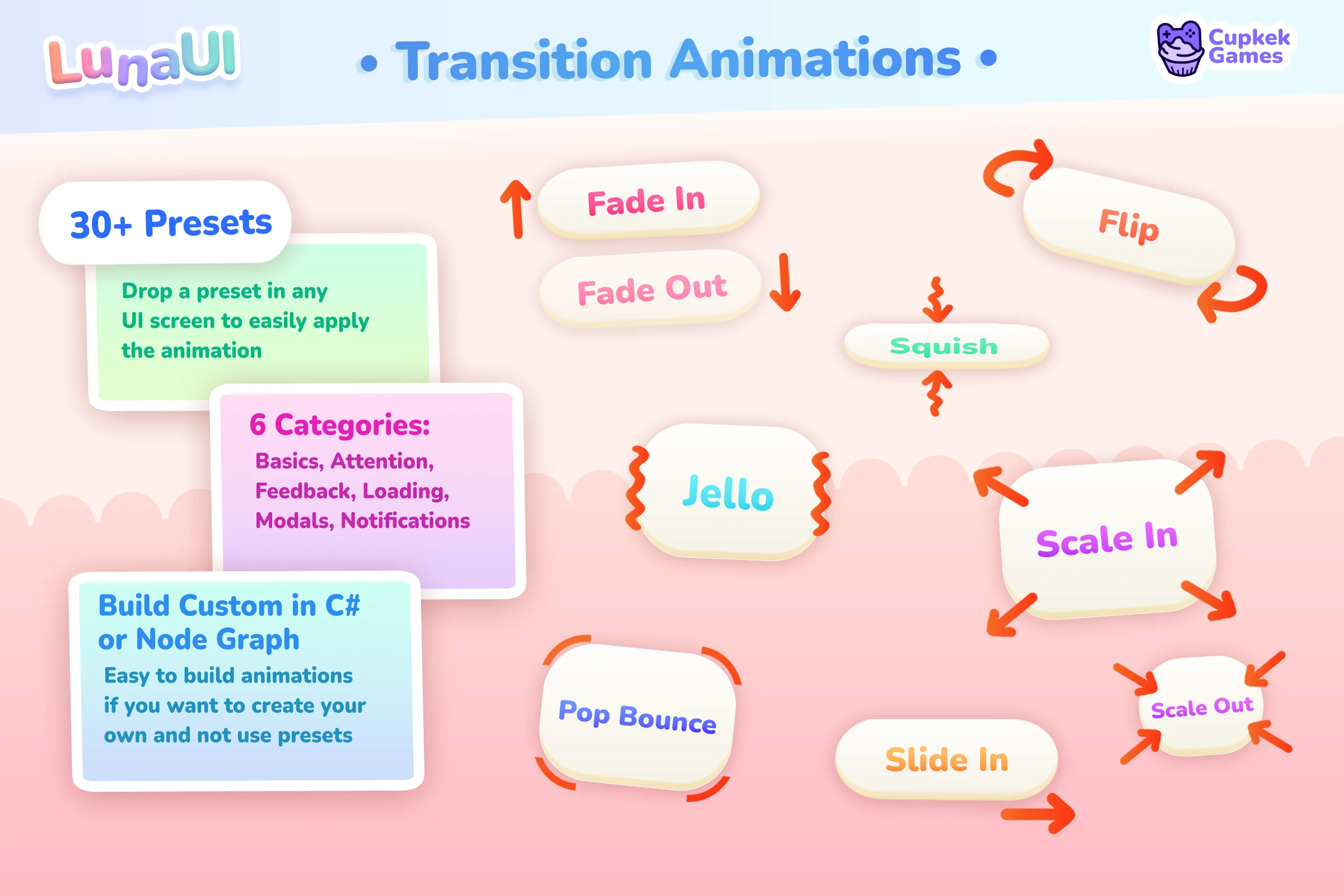
Transition Animations — 53 ready-to-play presets across 7 categories (modals, notifications, attention, loading and more), reusable as ScriptableObjects or built in code with a fluent API.
Interaction Juice — press, release and hover reactions as designer-authored profiles you attach to any element, plus juice slots baked into the components: progress bars flash and shake, cooldowns pulse and pop when ready, tabs punch and slide — all wired from UXML, zero code.
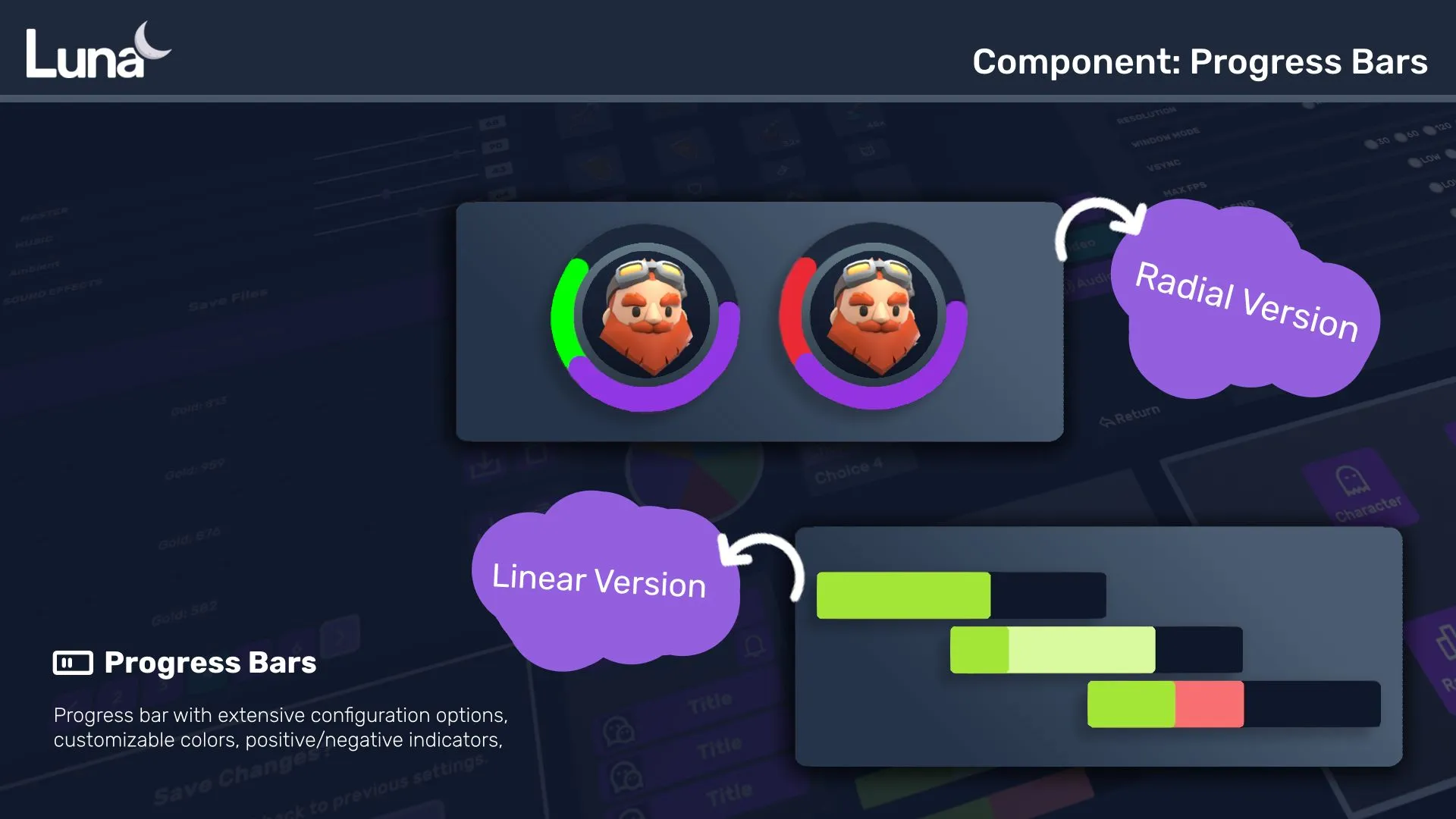
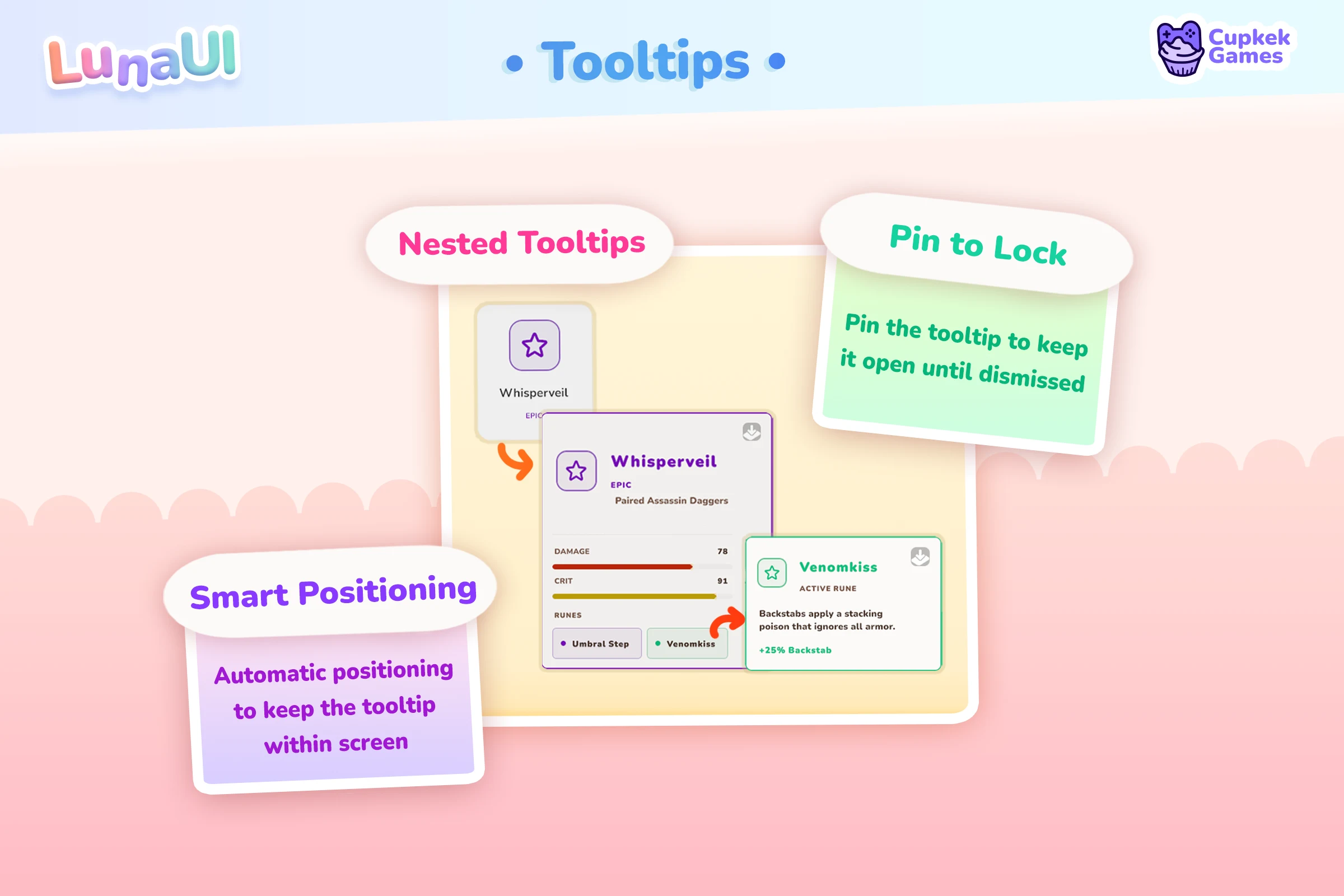
Component Library — every built-in control restyled, plus custom components UI Toolkit doesn't ship: linear and radial progress bars with damage indicators and juice slots, tooltips with smart positioning, tab views, cooldown wipes, pie charts, pagination, input prompts and more.
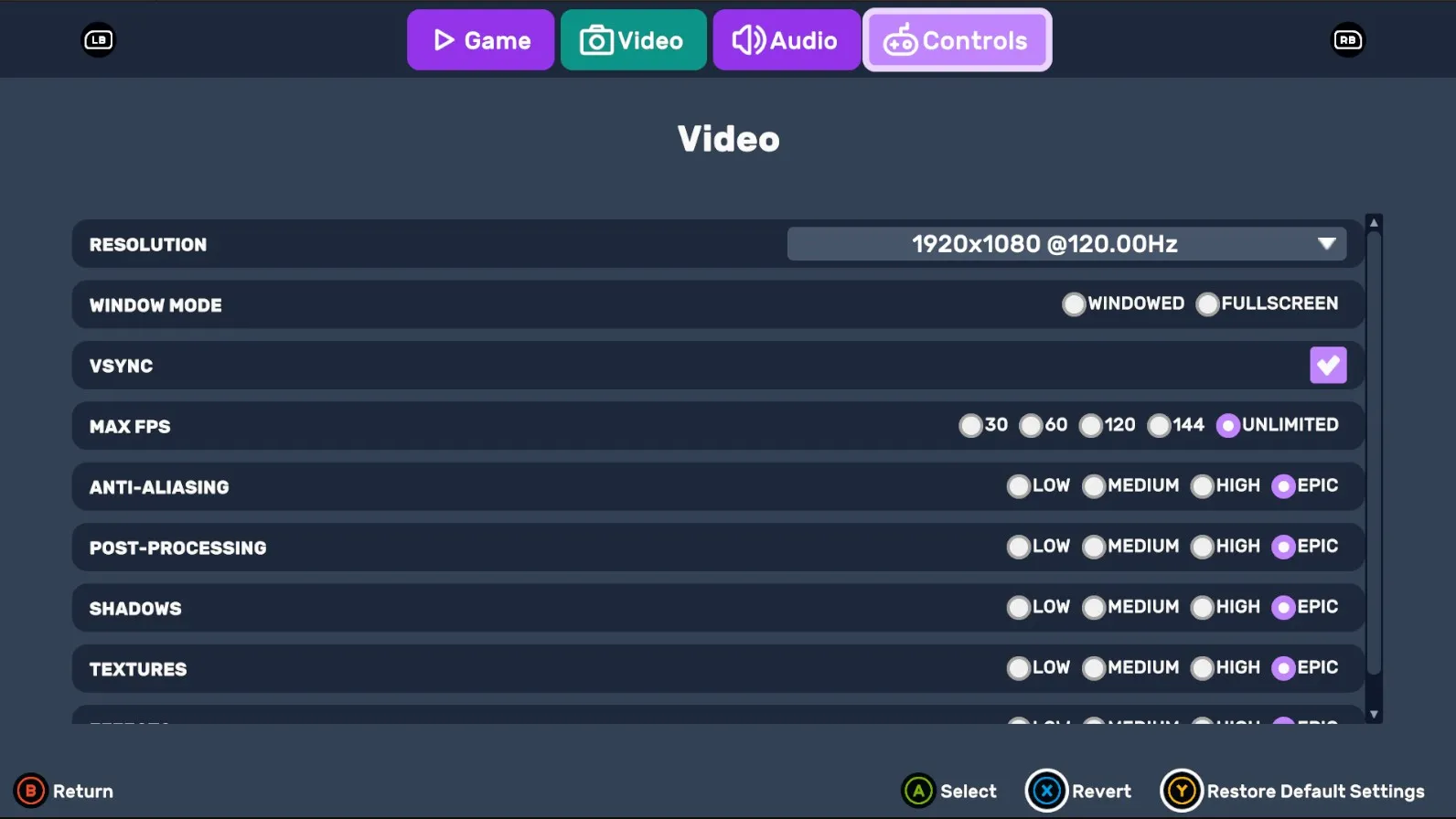
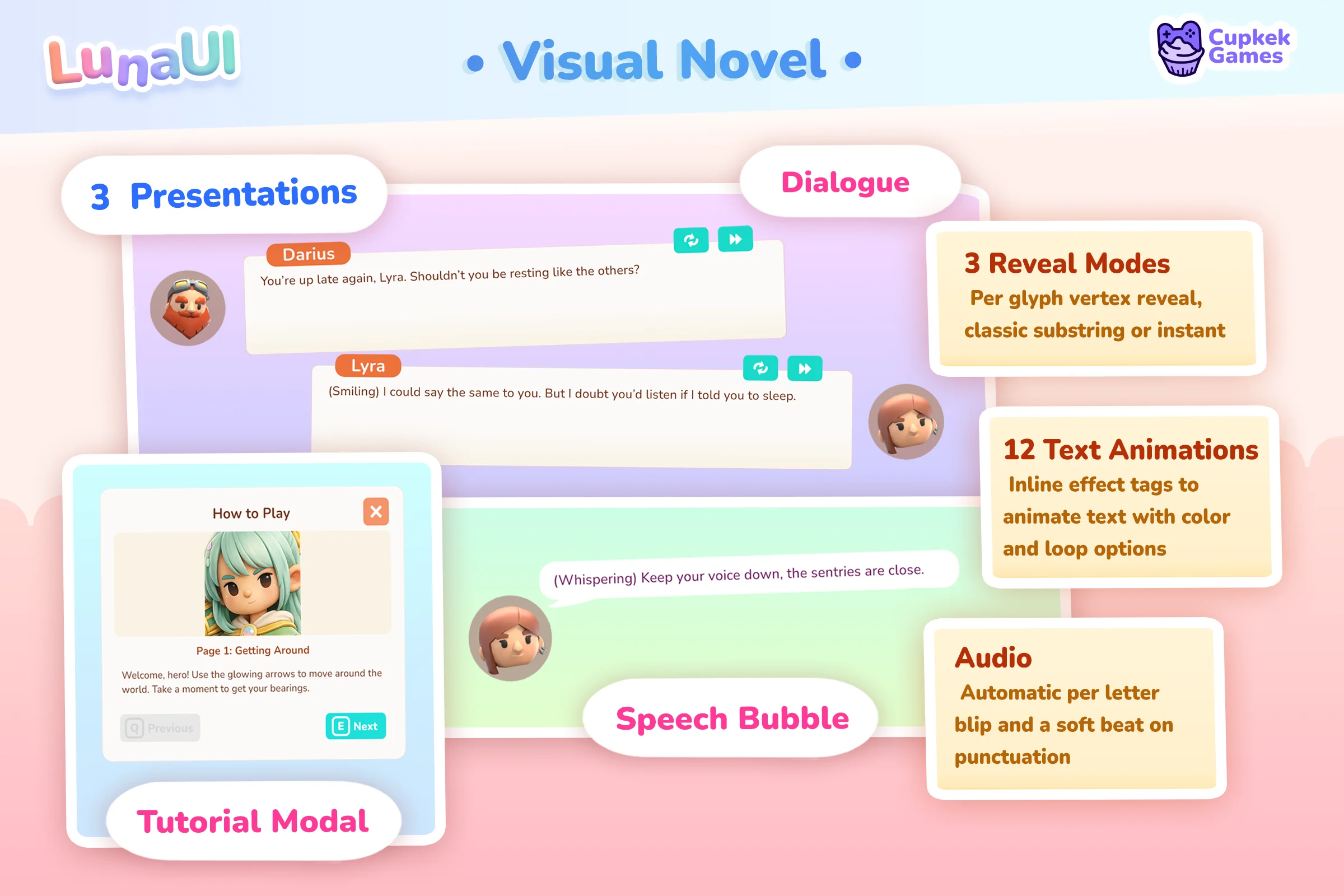
Ready-Made Views — the screens every game needs, already built: main menu, settings, save/load, pause, credits, loading, notifications, confirmation popups — plus a full dialogue stack with visual novel view, speech bubbles and tutorial modals.
Navigation Graph — author screens, modals and tabs as nodes on a graph canvas, then push and pop by string id; back-button semantics come for free.

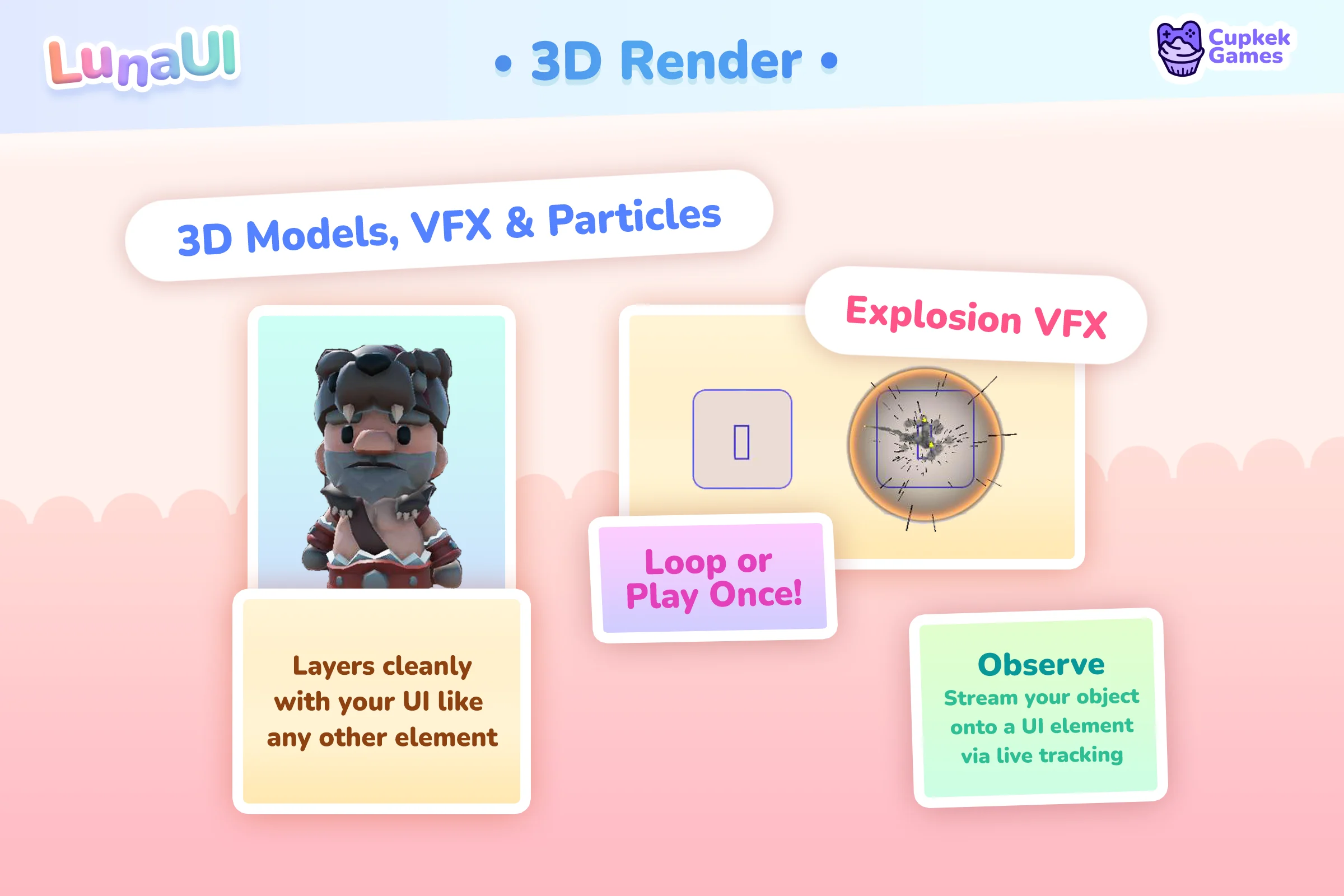
3D-in-UI Render — a pooled Camera → RenderTexture pipeline drops live 3D models, particle systems and VFX Graph effects straight onto your UI elements.
UI Attractor — coins, gems and XP orbs that burst from a source and fly home to the HUD — pure pooled VisualElements with two-stage scatter → home motion, no cameras or particle systems.
Spotlight — onboarding tours that dim the whole screen except the element you're teaching, glide the highlight from step to step, and gate input until the player follows along.
Text Effects — 12 per-character animations — wave, bounce, shake, rainbow, swing and more — applied with simple rich-text tags inside any label; dialogue text that actually feels alive.
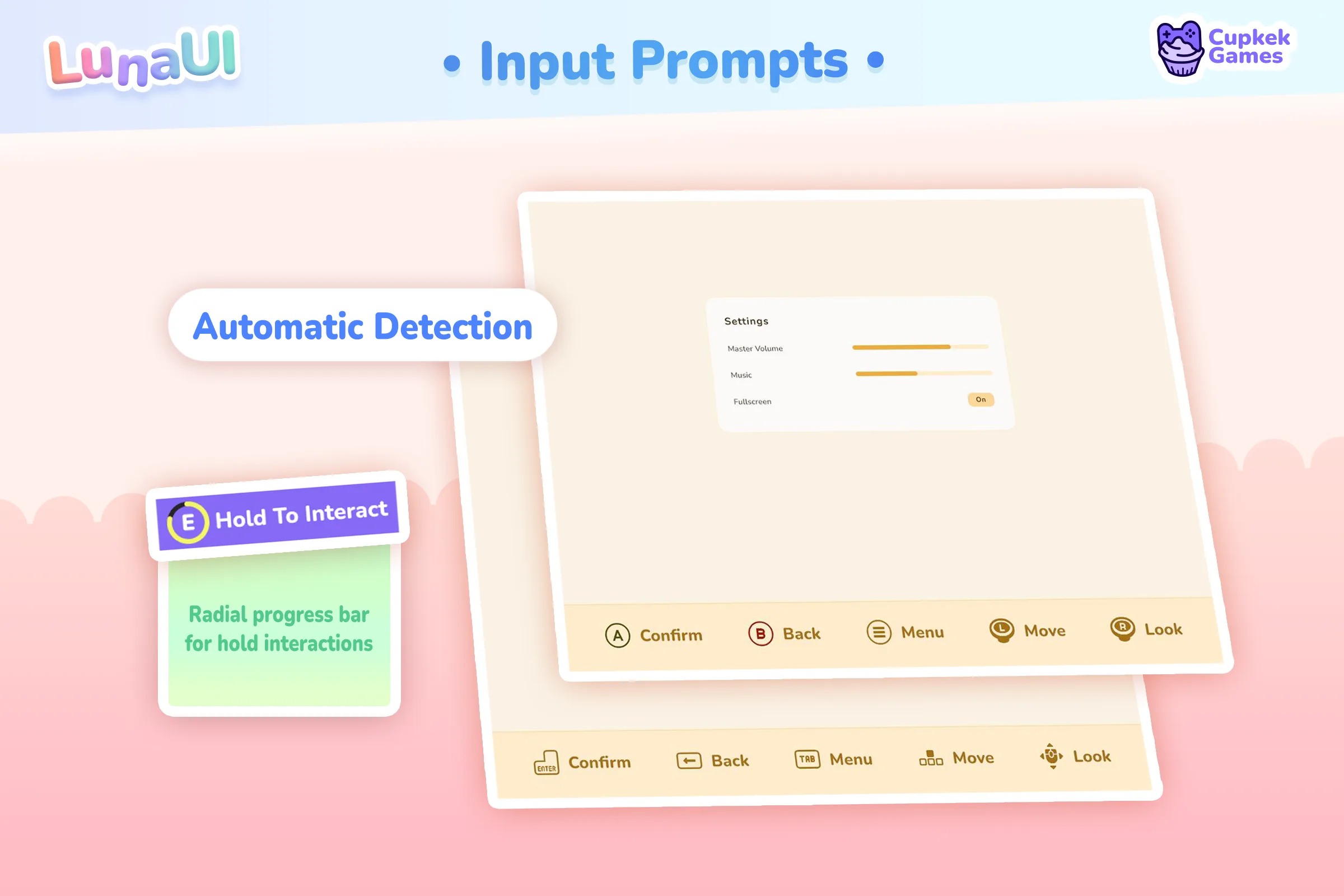
Gamepad-Ready — focus navigation across every view, device-aware input prompts that swap glyphs when the player switches from keyboard to controller, and a layered escape/back stack.
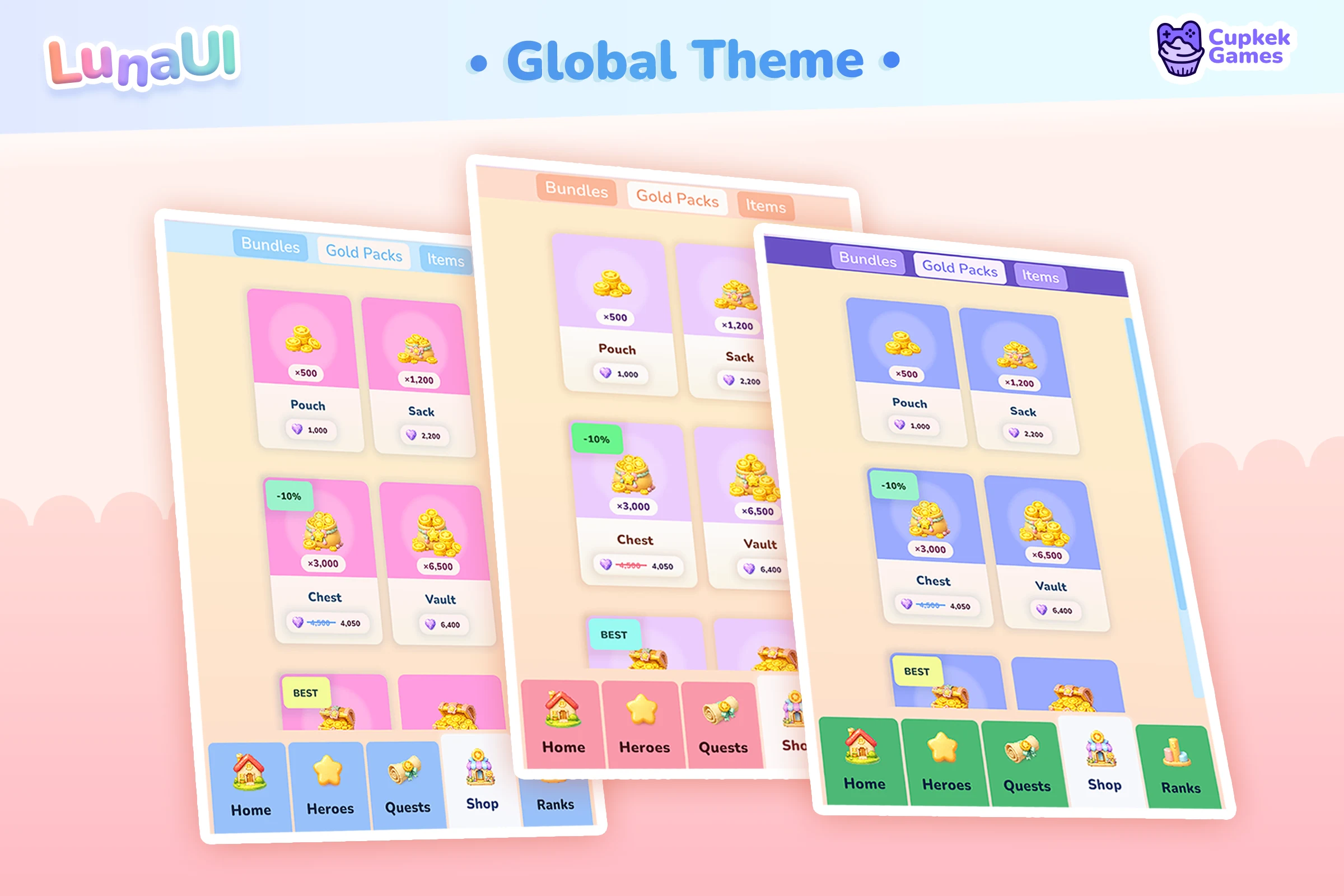
Theming — one theme stack drives colors, sizes, fonts and borders across everything; swap palettes at runtime, or generate your own with the Palette Generator.
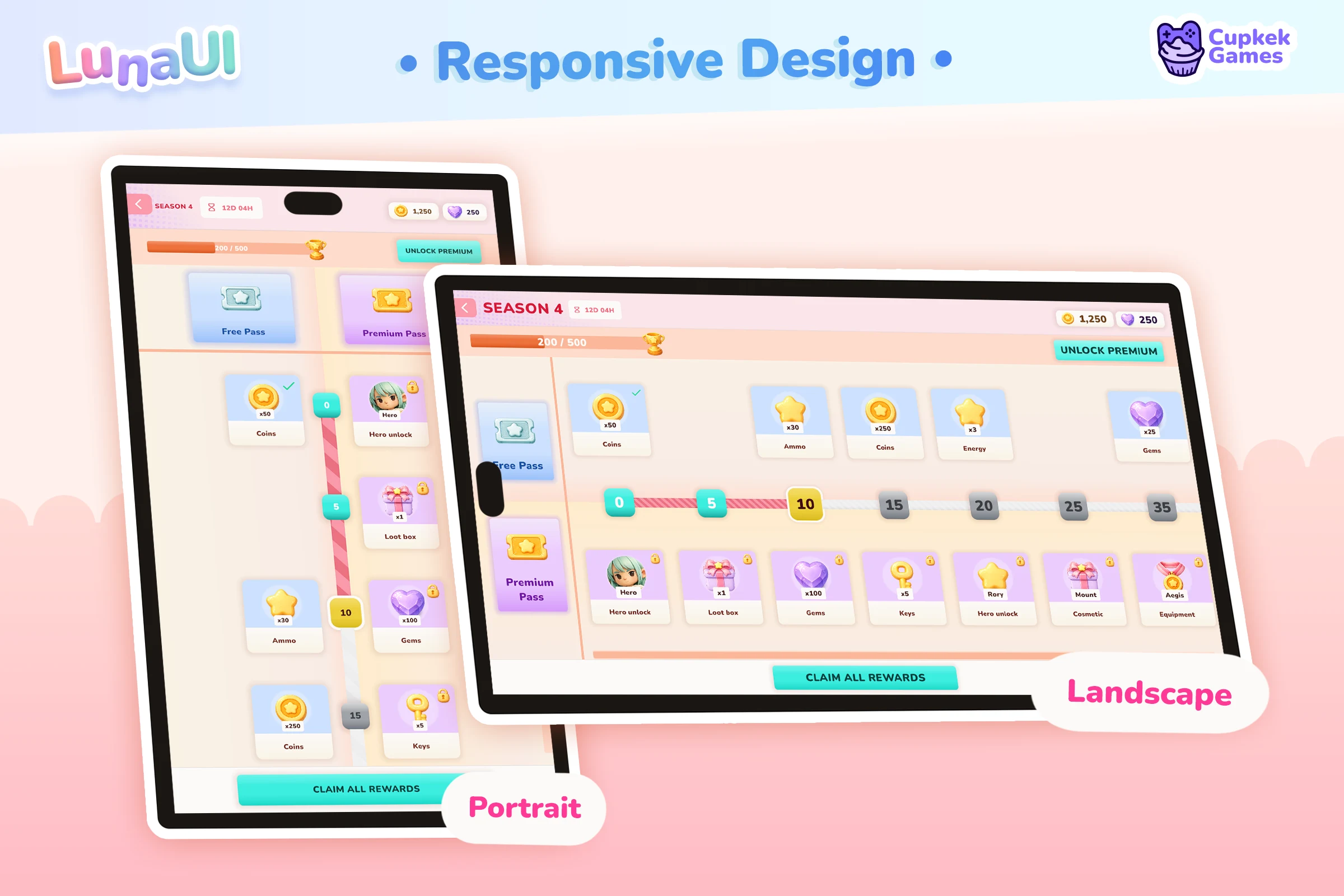
Responsive Scaling — one UI that fits phones and desktops: density-aware breakpoints for layout, automatic per-device scaling for size, and a player UI-Scale slider — no separate mobile and desktop builds.
GameFull Sample — a complete game shell to learn from or build on: save-aware main menu, reactive HUD, pause menu, inventory with drag-and-drop and a loot loop, save/load, settings with input rebinding — all wired through navigation graphs and real saves.
Also in the box
- Drag & Drop — pointer-driven dragging with visual feedback and drop-slot detection
- Stagger Entry — list and grid items that cascade in one after another
- UI Effect Baking — bake shader effect stacks to plain USS for zero runtime cost
- GridView — data-driven grids with pagination; the base the Inventory view builds on
- Value Comparison — stat-change arrows and before/after lines for equipment screens
A whole game, built with Luna
Home, heroes, shop, quests, leaderboards, mail, chat, auth and modals — a complete mobile game where every screen comes from the same components, views, and theme stack. Page through them:
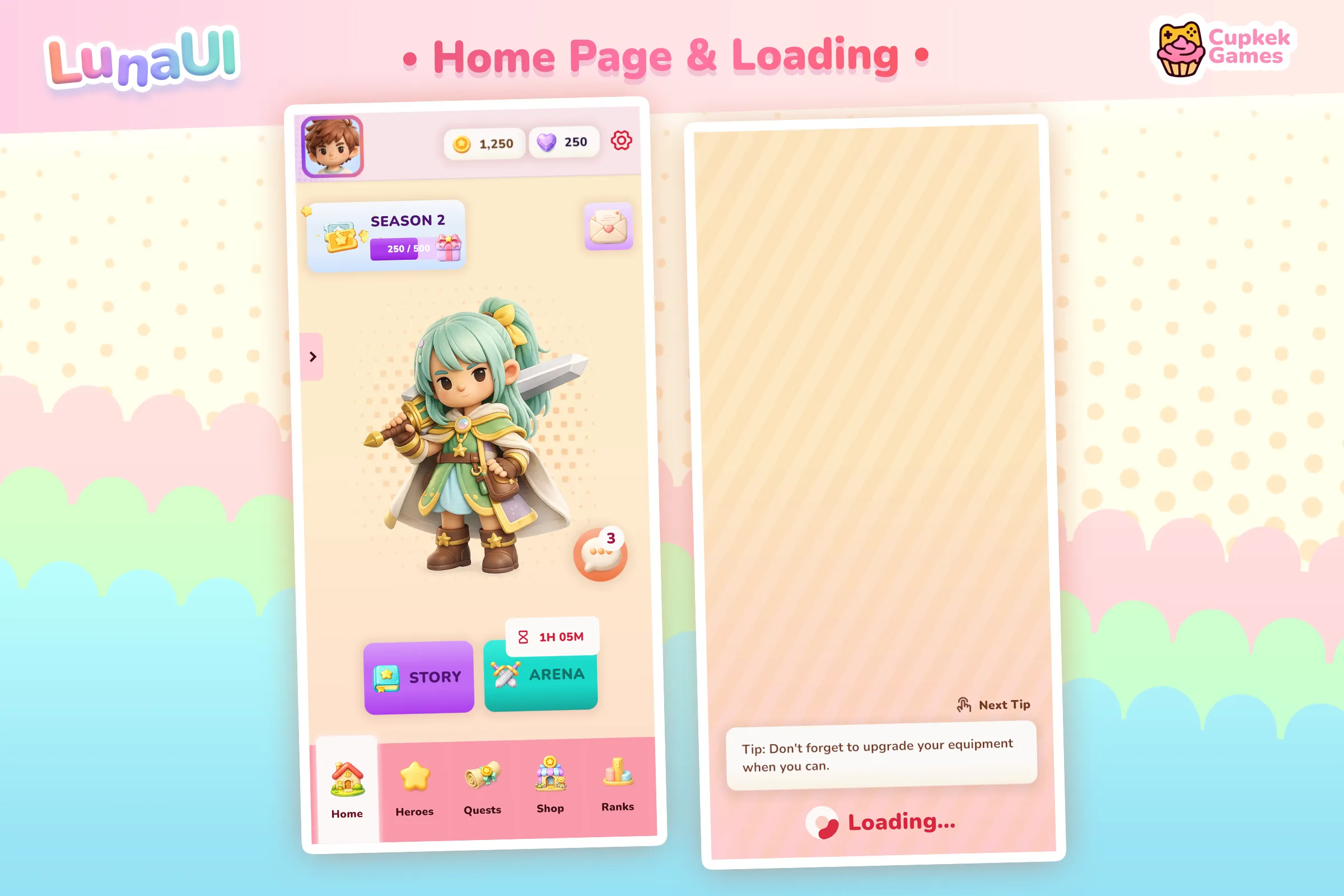
See it in action
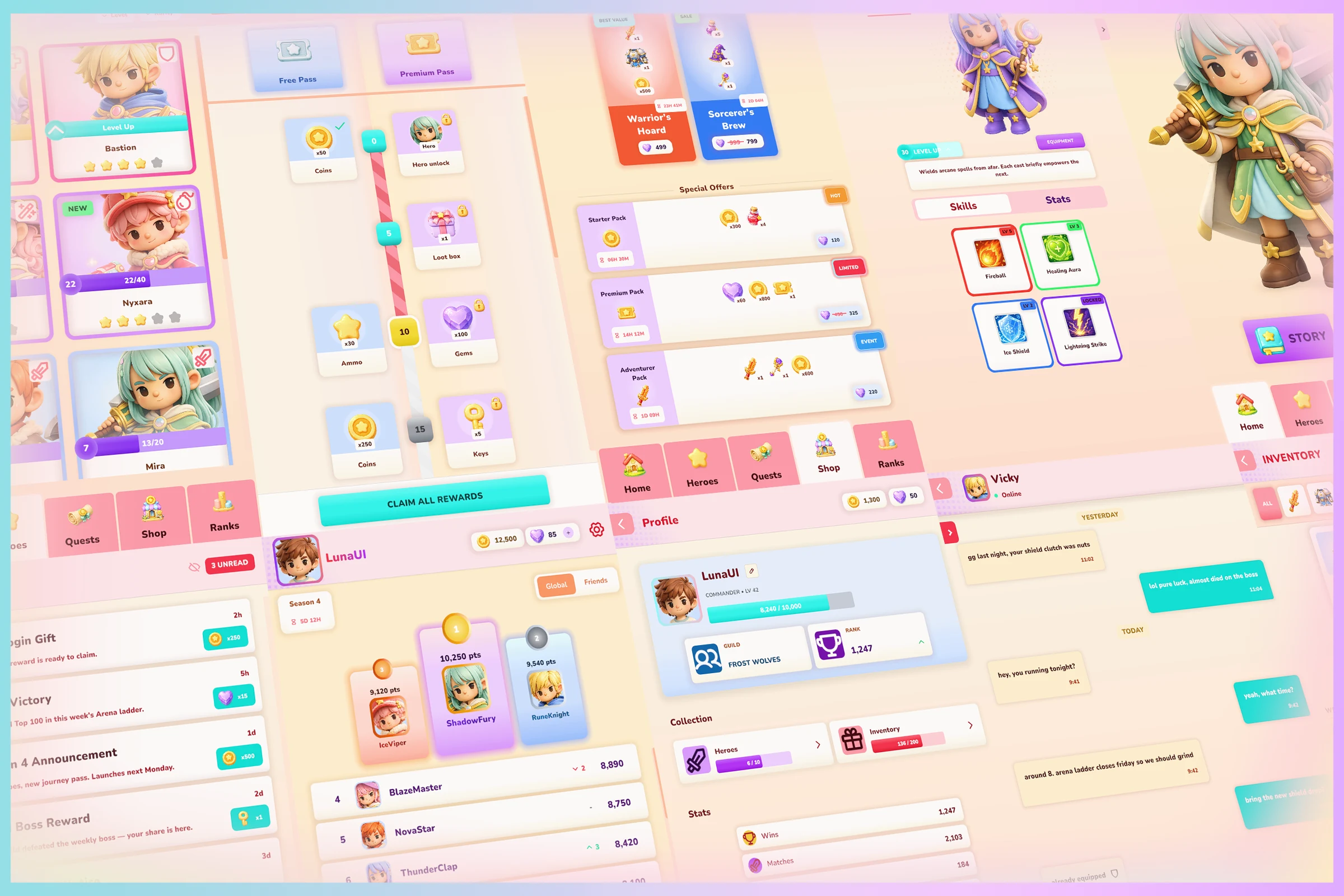
More screenshots and the showcase video → Gallery
Settings
Theme
Light
Contrast
Material
Dark
Dim
Material Dark
System
Sidebar(Light & Contrast only)
Font Family
DM Sans
Wix
Inclusive Sans
AR One Sans
Direction